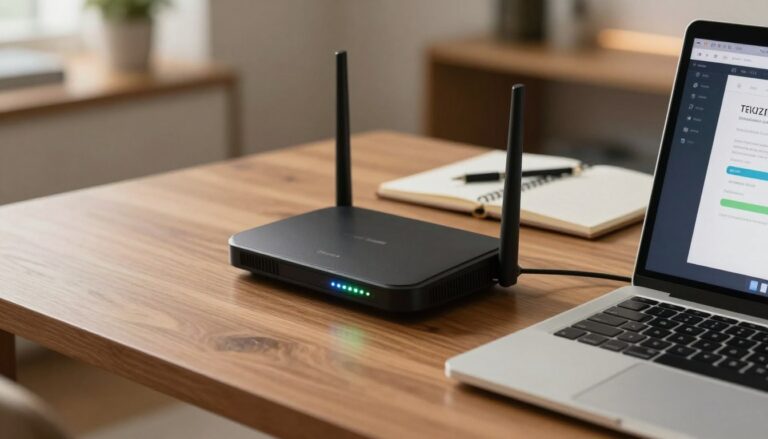
Router Antennas: Does Direction Really Matter
Learn how to optimize your Wi-Fi signal by adjusting router antennas direction. Discover the best practices for improving your network's performance and coverage.
Small tweaks to an antenna’s angle can change where a Wi‑Fi signal is strongest in a typical home. How the physical element points affects the signal pattern it creates, often forming a donut or ellipse around its axis. That means aiming straight at a room is sometimes the wrong way to think about coverage.
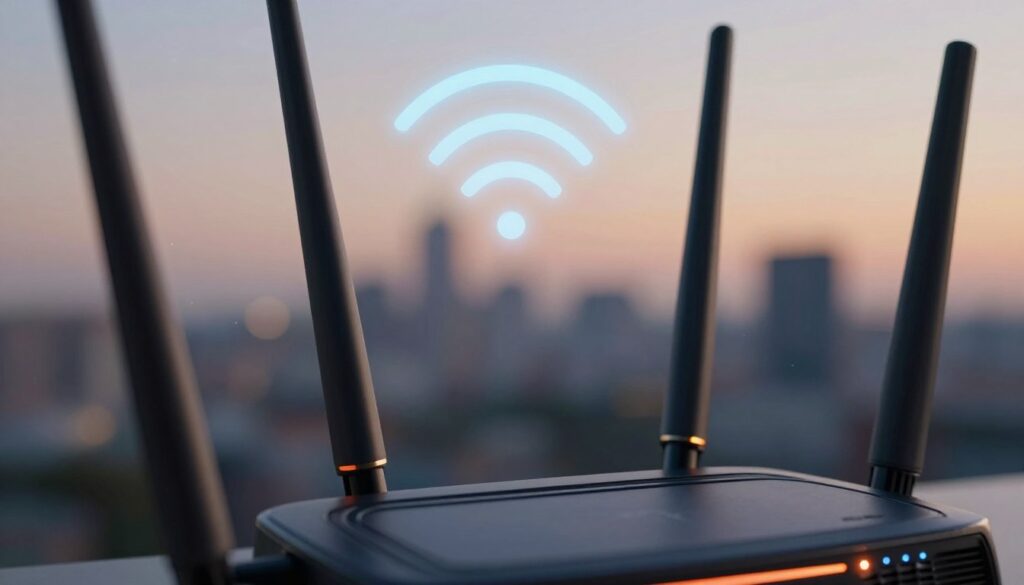
Practical adjustments can improve performance and cut down on dead zones near stairs, long hallways, or between floors. Still, these moves won’t extend power beyond the device’s limits or fix big layout problems by themselves.
This guide shows a step‑by‑step way to angle a wireless router and place it for better coverage. It focuses on measurement and testing: changing an antenna, then checking signal and stability, rather than trusting bars alone.
Key Takeaways
- Small angle changes can shift reliability in specific rooms.
- The strongest coverage is usually perpendicular to the antenna, not aimed like a flashlight.
- Adjusting placement helps, but it won’t bypass power or layout limits.
- Measure signal strength and stability after each change for real results.
- This guide gives practical steps, not magic fixes.
Why antenna direction changes Wi‑Fi coverage and signal strength
Think of home Wi‑Fi as invisible waves that shift when they hit walls and metal. These waves lose strength as they pass through dense materials and can bounce off shiny surfaces. That behavior explains many dead spots and odd reception patterns.
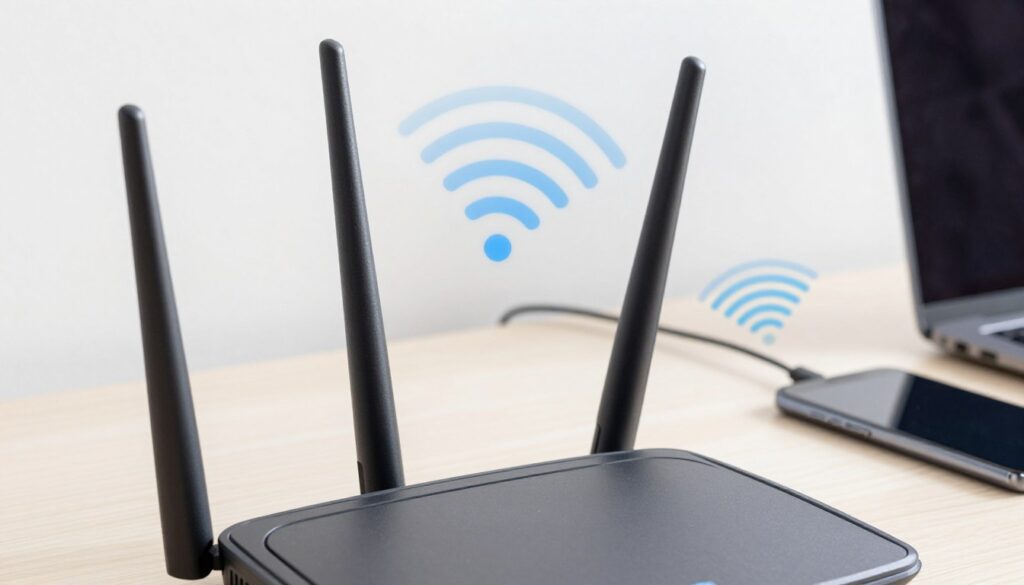
How materials affect transmission
Concrete, brick, and metal reduce signal power more than drywall. In practice, a concrete wall can cut a wireless signal a lot, while metal can reflect it and make uneven coverage. Small angle tweaks can help a room but do little if heavy obstructions dominate.
The doughnut or ellipse pattern
Most indoor antennas create a stretched doughnut of emission. The strongest output sits perpendicular to the antenna’s shaft, not in a straight beam. In simple terms: vertical placement spreads coverage across the same floor; tilting it shifts energy up and down.
What Else Would You Like to Know?
Choose below:
Types you’ll meet at home
- Omnidirectional: broad spread for general coverage.
- Semi-directional: common in household units for focused yet wide coverage.
- Directional: used outdoors or for special links where a tight beam is needed.
| Type | Typical use | Practical tip |
|---|---|---|
| Omnidirectional | General home coverage | Place centrally; small tilts fine-tune rooms |
| Semi-directional | Focused indoor reach | Aim ellipse toward main living areas |
| Directional | Point-to-point links | Use alignment tools; placement matters most |
Practical takeaway: adjust placement first, then tilt the antenna to shape the ellipse toward problem areas. Walls and reflections often limit gains from angle alone.
How to set router antennas direction for better coverage in your home
Try simple angle changes to aim the strongest part of your Wi‑Fi where people use it most.
Single-antenna routers
Start vertical for the widest same‑floor spread. Positioning the antenna upright favors lateral coverage across rooms and improves overall signal stability.
If devices upstairs show weak reception, rotate the antenna toward horizontal. That shifts the emission plane and can raise strength on the next floor.
Two antennas
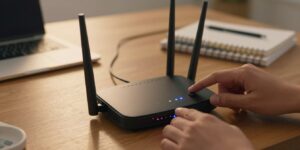
Set one antenna vertical and the other to the side at about 90°. This combo widens coverage and improves link reliability as devices move around the home.
Three or more
Spread angles (for example 90°, 60°, 45°) so the wireless router sends useful energy toward multiple device locations rather than just one spot.
Multi-floor homes
Angle antennas roughly 30° as a compromise to support both same‑floor and cross‑floor coverage. Small changes can measurably alter signal strength in target rooms.
Wall mounting
Beware fixed‑fin designs: some perform poorly when mounted on a wall because the intended radiation plane no longer matches living spaces.
Quick at-home check
- Change one variable at a time: antenna first, then placement.
- Measure signal strength in target rooms (less negative dBm is stronger).
- Repeat and record results so you can compare adjustments.
| Setup | Best for | Practical tip |
|---|---|---|
| Single antenna upright | Same‑floor coverage | Place centrally; test each room |
| Two antennas (90°) | Wider, reliable links | One vertical, one to the side |
| Three+ varied angles | Multi‑device, multi‑room | Use 90°, 60°, 45° spread |
| 30° tilt | Multi‑floor homes | Balance floor and cross‑floor reach |
Placement and environment upgrades that make antenna tweaks actually work
Good placement and simple environment fixes often change coverage more than fiddling with the antenna itself. Move the unit, clear nearby interference, then test. Small shifts usually give the biggest improvement in real‑world performance.
Choose a central location
Place the wireless router near the home’s center, not against an exterior wall. A central location balances coverage and reduces the chance of a dead zone on the far side of the house.
Set the right height
The strongest signals tend to follow a plane, so keep the unit off the floor. Use a stable table or shelf about 1–1.5 ft above the surface in compact rooms.
In open layouts, try higher placement — up to shoulder height — and verify results with a quick speed or signal check on devices.
Avoid interference
Keep the device away from microwaves, TVs, and electrical panels. High‑power appliances generate noise that can drop wireless signal quality and stability.
Reduce obstructions
Cupboards, dense furniture, and multiple walls—especially concrete—can weaken strength even if bars look good nearby. Reposition to reduce the number of barriers between the device and common use areas.
Internal antennas and mesh options
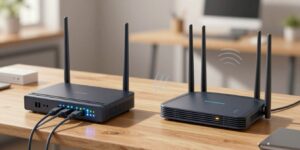
For products with internal antennas, aiming rarely helps; relocate the unit instead. If weak spots remain, add access points or a mesh system to extend coverage rather than relying on aftermarket antennas.
Why antenna “upgrades” often disappoint
Higher‑gain replacements can boost one‑way transmission but cause imbalance: your device may not transmit back effectively. That mismatch can lower real performance despite better signal readings.
| Setup | Best for | Practical tip |
|---|---|---|
| Central shelf | Balanced home coverage | Not on exterior walls; test rooms |
| Shoulder height | Open plans | Try and measure device speeds |
| Mesh or extra AP | Persistent dead zones | Add nodes rather than high‑gain parts |
Conclusion
Simple placement changes paired with modest antenna tilts give the most reliable path to better home Wi‑Fi.
The main takeaway: antenna orientation matters, but it works best alongside smart router placement and realistic expectations about gains. Small moves can improve reception and overall performance, not remove layout limits.
For repeatable setups, try vertical for same‑floor reach, 90° separation when two antennas are present, and mixed angles for three or more devices spread around the house. For multi‑floor homes a modest ~30° tilt often balances coverage above and below the unit.
Validate changes by measuring signal strength in dBm (for example, -32 dBm is stronger than -50 dBm) in the exact rooms you use most. If stable strength still lags, the best next step is adding access points or a mesh system rather than chasing more upgrades.
FAQ
Does antenna direction really matter for home Wi‑Fi?
How do walls, concrete, and metal affect wireless signals?
What is the “doughnut” or elliptical pattern people mention?
How do omnidirectional, semi-directional, and directional types differ at home?
For a single-antenna unit, when should it be vertical versus horizontal?
If my device has two elements, is a 90-degree setup best?
How should I position three or more elements for broad home coverage?
What angle helps across multiple floors?
Are there downsides to wall mounting units with fixed elements?
How do I do a quick at-home check after adjusting alignment?
Where should I place the unit for best overall coverage?
What height is best so the signal matches device planes?
How can I avoid interference from household electronics?
Why do cabinets and multiple walls weaken reception?
Can I improve coverage if the unit has internal antennas or I use a mesh system?
Should I buy higher-gain replacement elements to boost performance?
Router Firmware Updates: When They Help and How to Do Them Safely
» See exclusive tips for your home