Does a Microwave Affect Wi-Fi: What’s Real and What’s Not
Discover how microwaves impact Wi-Fi signals. Learn if 'microwave affects wifi' is a myth or reality in our comprehensive guide.
Short answer: yes, nearby kitchen ovens can create radio interference, but the issue is usually situational.
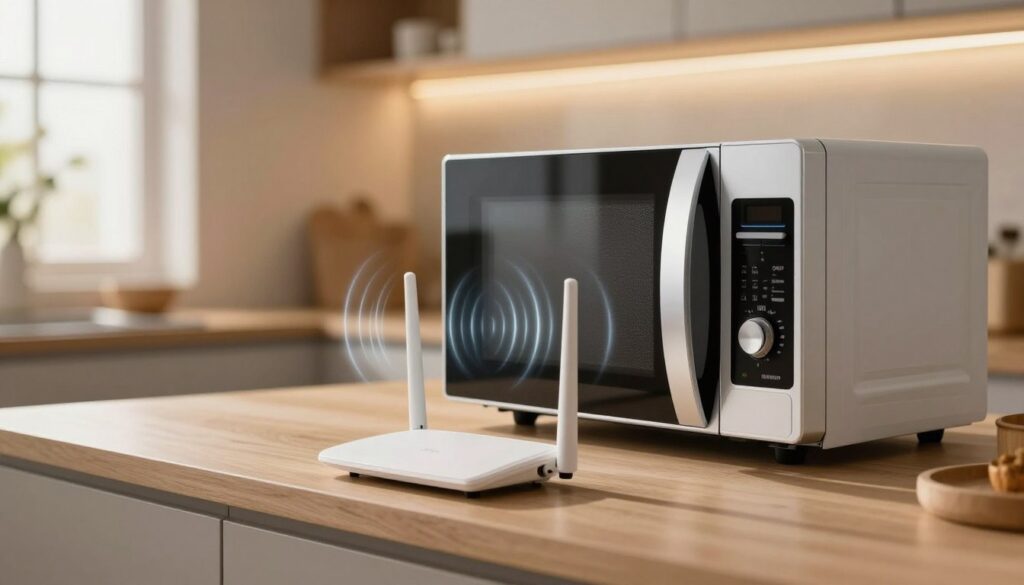
Home units emit energy near 2.45 GHz, which sits close to the 2.4 GHz band that many routers use. That proximity can cause signal interruptions when the appliance runs while you stream or make video calls.
The pattern is predictable: slowdowns, buffering, or brief disconnects that start when cooking begins and stop when it ends. The 5 GHz band is less vulnerable, and distance, placement, and router channel choice matter a lot.
This article will show how to spot the symptoms, explain the real frequency and leakage issues, and walk you through tests and fixes. The goal is better network reliability in a typical US home—no alarmism about safety or radiation myths, just practical steps to reduce problems.
Key Takeaways
- Interference can happen, but it is usually tied to distance and the 2.4 GHz band.
- Common signs are buffering and short disconnects during use.
- Switching to 5 GHz or moving devices helps in most cases.
- Simple tests can confirm if the oven is the cause.
- Practical placement and channel tweaks improve internet reliability.
When Wi-Fi Drops During Cooking: What You’re Actually Noticing
Cooking time can line up with sudden drops in streaming and calls. That pattern is common: the network seems fine, then stalls precisely while food heats. Users often notice brief buffering, lag spikes, or frozen video during those minutes.
Common signs appear as short, repeatable problems rather than a full outage.
What Else Would You Like to Know?
Choose below:
- Streaming suddenly buffers or reduces quality.
- Game ping jumps and online play lags.
- Video calls freeze or reconnect mid-call.
- Smart speakers and pages stall while the oven runs.
Testing tools that poll a router will often show large latency spikes and packet loss on 2.4 GHz while the appliance runs. The 5 GHz band usually stays more stable.
The root is degraded signals: more noise means retries, higher latency, and short reconnect cycles that look like internet drops. Placement matters—one laptop near the router may be fine while a phone closer to the kitchen struggles.
Timing clues help diagnose the source: it happens at specific times, stops soon after the unit is off, and worsens when you are closer to the kitchen. Multiple devices on the same network can be hit at once, especially smart home devices that default to 2.4 GHz connections.
microwave affects wifi: The Real Reason Microwaves Can Disrupt 2.4 GHz
The short technical view: devices that cook food operate near the same radio neighborhood used by many home networks, so overlap is physically plausible.
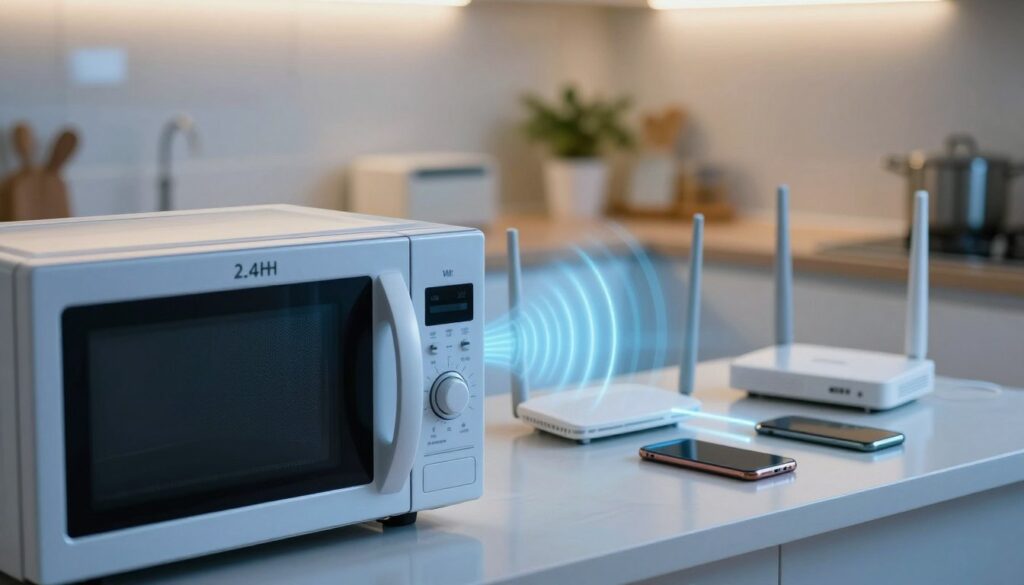
Frequency overlap explained
Ovens emit energy centered at about 2.45 GHz while the 2.4 ghz band spans roughly 2.400–2.4835 GHz. That close match means the appliance’s waves can land on the same channels your router uses.
What the ISM band means
The ISM band is unlicensed spectrum shared by lots of gadgets. In plain terms, it’s noisier by design, so routers must work harder to share access and recover lost data.
Leakage, power and proximity
Manufacturers build shielding, but zero leakage is unrealistic. Small leaks near door seams still occur even in new ovens.
Regulatory limits allow measurable output close to the unit. At a few feet, that permitted power can rival a router’s signal, so the appliance can raise the local noise floor and cause interference.
Why routers play nicely and ovens don’t
Routers and other access devices use channel allocation and CSMA/CA to coordinate transmissions. Uncontrolled noise from an oven does not follow those technologies. The result is more retries, higher latency, and dropped packets for nearby devices.
- Practical tip: avoid placing a router right behind or beside an oven — metal and leakage combine to weaken signal quality.
Why 5GHz Band Wi-Fi Usually Fixes It (and When It Doesn’t)
Switching a device to the 5ghz band usually cuts through kitchen radio noise because it lives on a different slice of spectrum.
How 5GHz avoids the 2.4 GHz ISM neighborhood
The practical fix is simple: move the affected device or create a 5GHz SSID and connect high-demand gear there. The 5ghz band does not overlap the 2.4 ghz range, so those local signals and waves rarely collide.
Tradeoffs in real homes: range, walls, and choice
Use 5ghz for streaming boxes, gaming consoles, a work computer on video calls, and any device that stays near the router. These are the best candidates for low-latency performance.
Remember that the 5ghz band trades range for speed. It loses strength through walls and floors faster than 2.4 GHz, so distant rooms may see weaker connection or more dropouts.
Decision guidance: prefer 5GHz for high-throughput, nearby access points. Keep 2.4 GHz for long-range smart home gear and devices that need better penetration. If router placement is poor or building materials are dense, expect some limits even after switching bands.
How to Confirm Your Microwave Is the Source of Interference
Confirming the cause takes just a few minutes and a simple ping test from a nearby computer. This quick check isolates the pattern and shows whether drops line up with cook time.
Run a repeatable latency test
From a computer, run a steady ping to the router for one minute before, one minute during, and one minute after a short cook cycle. Keep the device in the same spot and avoid other downloads.
What to look for
Confirmation looks like consistent spikes in latency, increased packet loss, or brief drops that begin when the oven starts and stop when it stops. Repeat this at different times to verify the pattern.
Compare bands and audit placement
Test the same device on 2.4 GHz and 5GHz. If the 2.4 GHz band shows sharp problems while 5GHz stays stable, that points to band-specific interference.
Check router placement: is the router too close to the oven or behind large metal surfaces? Metal can bend and block waves and make signal issues worse.
Capture evidence with screenshots or notes of latency graphs. That data helps decide if the fix is moving the router, switching bands, or servicing the appliance.
How to Stop Microwave Interference with Wi-Fi and Other Devices
Start with simple, low-cost fixes before buying new gear. Small placement and band choices solve most problems while you heat food.
Move your router and improve line-of-sight
Prioritize distance: keep the router in a different room from the microwave when possible. Avoid hiding routers behind or beside large ovens and metal surfaces.
Elevate the router and aim it toward rooms where you need steady internet. Good line-of-sight reduces the chance of noise overpowering the router’s output.
Switch to 5GHz for streaming and calls
Use the 5GHz band for high‑bandwidth devices like streaming boxes, gaming consoles, and work laptops. That band does not overlap the 2.4 GHz range and usually stays clear during cooking.
Cut congestion on 2.4 GHz
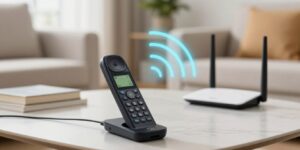
Reduce nearby 2.4 GHz traffic by moving cordless phone bases and limiting heavy Bluetooth use near the kitchen during cook time. Spread devices across bands so the 2.4 GHz network is less crowded.
Adjust channel settings
Pick a cleaner 2.4 GHz channel (commonly 1, 6, or 11) and avoid overlapping channels. Manual channel selection can lower sensitivity to brief noise bursts from nearby appliances.
Service or replace aging ovens
If problems grow worse with time, door alignment and hinge wear can increase leakage. Servicing or replacing an older microwave or oven often reduces local interference.
Safety note: Allowed leakage can meet human safety limits yet still produce enough local output to disrupt a nearby router or device. The goal is stable internet during cooking, not perfection—small steps usually fix the issue.
Conclusion
In short: in many homes a microwave can cause brief, repeatable drops in wireless performance, especially on the 2.4 GHz band. That pattern is the clearest sign the appliance is the culprit rather than your provider.
Practical takeaway: if buffering or lag always lines up with a cook cycle, treat it as an interference case you can troubleshoot rather than a mystery outage.
The most reliable fixes, in order, are: move the router away from the oven, shift key devices to 5GHz, then cut 2.4 GHz congestion and fine‑tune channels if needed. These steps usually reduce the effect quickly.
Do a quick before/during/after test to gather evidence. That test gives a clear answer and helps you decide which change makes the most sense for your home and the specific case at hand.
FAQ
Does a kitchen oven interfere with 2.4 GHz wireless networks?
What signs show the oven is the cause when my internet drops during cooking?
Why does the 2.4 GHz band get disrupted more than 5 GHz?
Can a new oven still leak radio energy and cause problems?
How does distance and power affect interference between the oven and a router?
Why doesn’t an oven follow Wi-Fi rules the same way routers do?
Will switching devices to the 5 GHz band solve the issue?
When is 2.4 GHz still the better choice despite interference risks?
How can I test whether the oven is causing my connectivity issues?
What router placement tips reduce interference with cooking appliances?
What software or settings can help when interference appears on 2.4 GHz?
Are other devices besides the oven likely to cause similar problems?
When should I service or replace an oven because of radio leakage?
Bluetooth Interference With Wi-Fi: When It Happens and How to Avoid It
» See exclusive tips for your home