2.4GHz vs 5GHz Range: Why One Reaches Further
Discover the difference in range between 2.4GHz and 5GHz networks. Learn why one reaches further than the other.
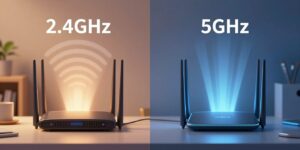
Choosing the right WiFi band affects how well a signal carries through walls and across a home. This comparison explains the practical difference between the two common frequencies and why one often gives better range while the other delivers higher speed nearby.
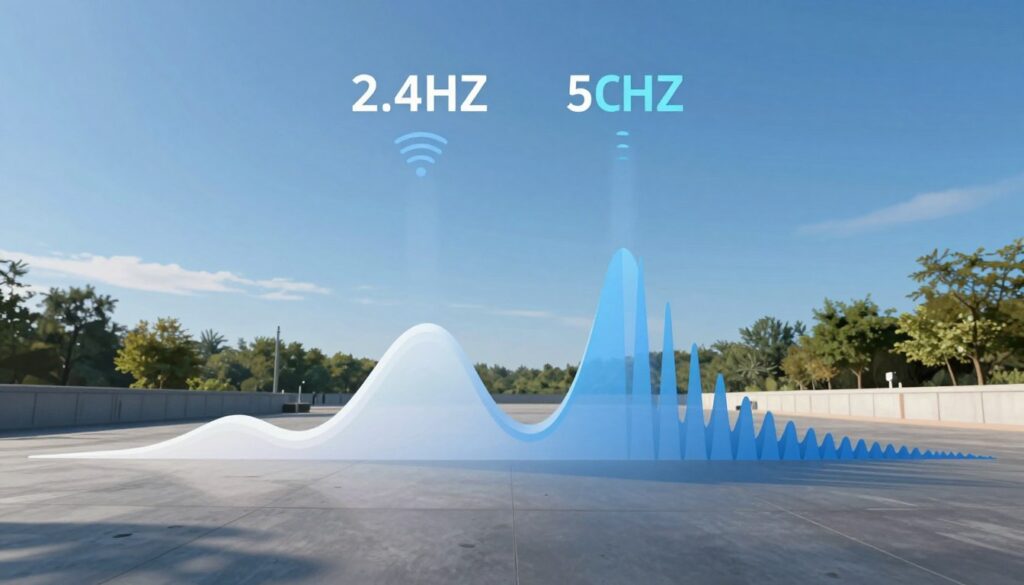
WiFi began in 1997 at modest speeds on the lower frequency, and today billions of devices rely on wireless connections. As new bands and faster technology arrive, homeowners still face the simple question: which band will keep your device connected when you move from room to room?
The article frames the “range vs performance” tradeoff in everyday terms: coverage area, signal through walls, and fewer dead spots. We preview the factors that shape outcomes—frequency behavior, building materials, interference, channel design, congestion, and router placement—so you can judge real-world results.
This piece focuses on the two bands most people use and offers a practical decision framework for typical U.S. homes and offices. By the end, you will know when to use which band to improve your experience.
Key Takeaways
- Lower frequency tends to reach farther and penetrate walls better.
- Higher frequency usually gives faster links at close range.
- Materials and interference often matter more than raw frequency.
- Router placement and channel congestion shape everyday performance.
- This guide helps choose the right band for common U.S. home and office setups.
How WiFi Frequency Affects Range, Coverage, and Signal Quality
How many cycles per second a radio emits changes how well a signal keeps you online around the house. GHz measures those cycles and tells us how a wireless wave will behave when it meets walls, furniture, and people.
What “GHz” means for WiFi networks and radio behavior
GHz stands for billions of cycles per second. Higher frequencies have shorter wavelengths and move differently through indoor spaces. Lower frequencies have longer wavelengths that bend around obstacles and penetrate materials more easily.
What Else Would You Like to Know?
Choose below:
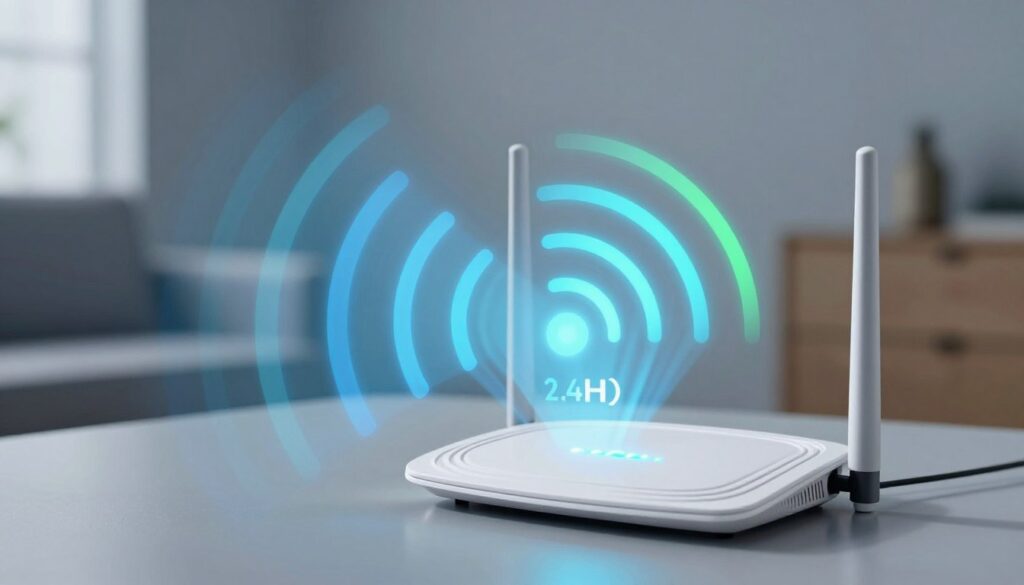
Why lower frequencies typically travel farther in real homes and offices
In plain terms, a lower band will usually keep a usable signal farther from the router. That does not always mean faster data, but it means fewer dropped connections across rooms.
“Think of higher frequencies as narrow beams and lower frequencies as broader waves.”
Materials, layout, and interference shape the real coverage area. Two identical routers can deliver very different performance in different homes. The key advantage: lower bands trade peak speed for steadier connectivity across more rooms.
2.4ghz vs 5ghz range in Real Homes: Walls, Furniture, and Coverage Area
Walls, furniture, and layout often decide whether a signal keeps your device online across the house. Small changes in placement or materials can turn a fast connection into a spotty one.
Wall penetration explained: why higher frequency signals fade faster
Higher frequencies lose more energy when they hit dense materials. That makes a visible difference for everyday use. A laptop that streams well in the living room may struggle in a back bedroom or garage.
Drywall and brick comparisons that matter
Measured losses show clear gaps. Through drywall, a 2.4 ghz signal drops about 70% while a 5ghz one drops about 90%. Through brick, expect roughly 63% loss at the lower band and about 83% at the higher band.
Wavelength and bending: why lower bands avoid dead spots
Longer wavelengths at 2.4ghz bend around objects more easily. In practice, that means fewer dead zones and steadier connections at the edges of your home.
Environment and placement: what you can control
- Layout: open plans keep signals more uniform than long hallways.
- Materials: tile, plaster, and metal-backed insulation reduce coverage more than drywall.
- Router placement: place a router centrally and elevated, away from thick masonry and large metal surfaces.
- Devices: older or poorly placed device antennas can turn a good signal into a weak connection.
“Small changes in placement often yield the biggest practical advantage for coverage.”
Interference, Channels, and Congestion: When Range Doesn’t Feel Like Range
Interference and busy channels often make a strong signal feel slow and unreliable. Signal bars show connection strength, not how crowded the air is. When many transmitters overlap, throughput and stability fall even with good signal indicators.
Why 2.4 ghz is crowded
The 2.4 ghz band hosts WiFi plus Bluetooth accessories and microwave ovens. That mix creates frequent interference spikes and retries that eat bandwidth.
Channel overlap and the US choices
On this band, adjacent channels bleed into each other. Networks that pick nearby channels reduce effective performance and shrink usable coverage.
Channels 1, 6, and 11 are the common non-overlapping picks in the United States. Many routers default to them, which concentrates traffic in busy areas.
5 GHz advantage and congestion basics
The 5ghz band offers many more non-overlapping channels, so interference risk is lower in dense buildings. Still, WiFi is shared airtime: as more devices send data, each device gets less opportunity to transmit.
Band steering and practical help
Mesh systems that merge SSIDs or try band steering can move devices unpredictably. If connections feel slow, consider interference sources, channel selection, or separating SSIDs to help device placement and performance.
Speed and Bandwidth Tradeoffs: Where 5GHz Wins (and Why It’s Shorter)
High-bandwidth tasks usually do best when the signal is strong and unobstructed. In practice, the faster band delivers higher throughput near a router, making it the go-to choice for heavy data use.
Faster throughput at shorter distances
The higher-frequency band often “wins” on speed because it supports wider channels and higher peak rates. That means gaming, large downloads, and HD or 4K streaming get more consistent performance when the device sits close to the router.
Range vs speed reality check
As you move through walls and floors, the faster band can lose throughput quickly. Signals at lower frequencies tend to fall off more gradually, so they keep devices online farther from the router.
Many homes benefit from a mixed approach. Put stationary, high-demand devices on the faster band when possible.
“For an outdoor or distant camera, the lower band often maintains a steadier connection; indoor cameras near the router can stream higher-quality video on the faster band.”
Device radio quality also matters. Older or weak antennas can erase the theoretical advantages. Always test in your actual U.S. home to match networks and devices to real-world performance.
Conclusion
Real homes reward smart choices: band selection plus router placement changes outcomes. , Pick the option that fits the room and the device you use most.
2.4 ghz typically gives better range and wall penetration, while 5ghz usually delivers higher speeds and cleaner channels close to the router. That difference comes from frequency, wavelength, and how signals interact with materials and interference.
Choose 2.4 ghz for distant rooms and stable smart-home connections. Use 5ghz for nearby devices that need more data. Test both bands in the area that matters—home office, bedroom, or garage—and favor the band that gives the best real experience.
FAQ
What does “GHz” mean for WiFi networks and how does it affect radio behavior?
Why do lower frequencies typically travel farther in real homes and offices?
How much signal loss should I expect through drywall on each band?
What about brick or concrete walls—how do they compare?
How does wavelength affect “bending” around objects and dead spots?
How much does environment and router placement change results?
Why is the lower-frequency band often more crowded with interference?
What is channel overlap on the lower band and why does it matter?
Why do channels 1, 6, and 11 matter in the United States?
How do channels on the higher band reduce interference risk?
What is congestion and how does “shared airtime” slow connections?
What are band steering and merged SSIDs, and why do some devices struggle?
When is the higher-frequency band better for speed despite shorter coverage?
How does speed change as I move farther from the router?
How should I choose which band to use for specific devices?
Why 2.4GHz Wi-Fi Feels Slow and When It’s Still the Right Choice
» See exclusive tips for your home