Can LED Lights Interfere With Wi-Fi
Learn how to minimize wifi interference from lights in your home or office. Discover simple solutions to improve your Wi-Fi connectivity and resolve common issues.
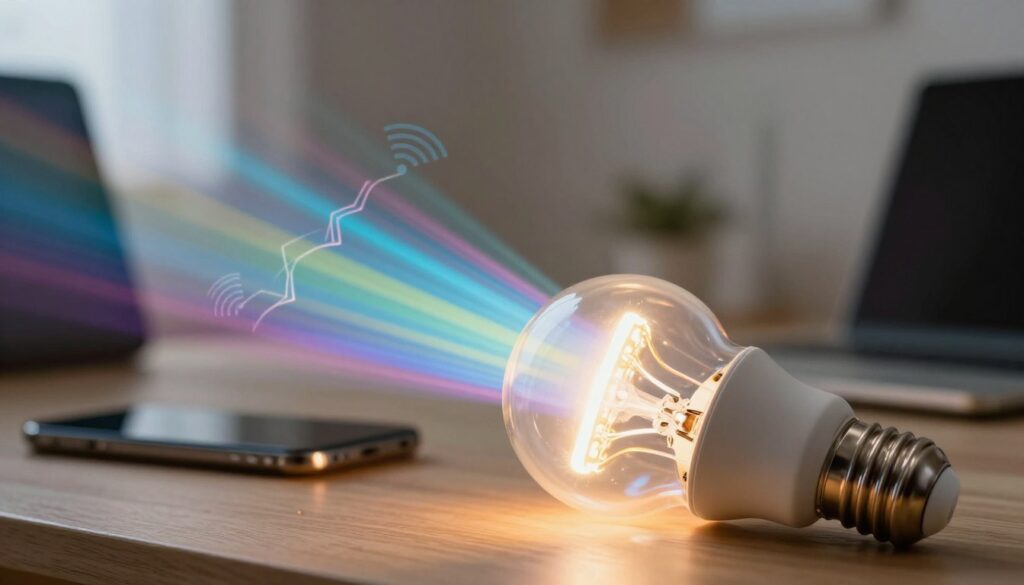
Many homeowners notice sudden drops in wireless speed right after a lighting change. This problem often shows up in small offices and homes when a new bulb or fixture is added. The cause can be electronic noise that overlaps radio signals and upsets sensitive devices.
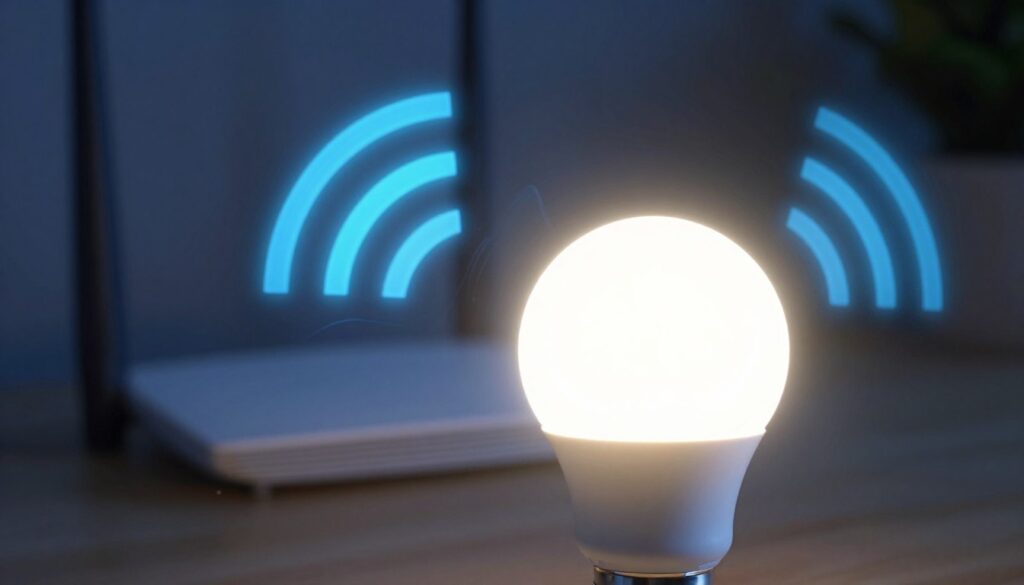
Most issues trace to the LED driver, not the LED chip. High-speed switching in cheap drivers creates EMI that can affect the 2.4 GHz band, AM radio, and remote controls.
This guide sets clear expectations: the problem is usually one bulb, driver, or fixture, not all LEDs. You can run a quick speed test or a simple AM radio check to spot the source before buying networking gear.
Start with low-cost fixes: swap to FCC-marked bulbs, increase distance between router and the light, add clip-on ferrite cores, or switch devices to the 5 GHz band. This piece walks you step-by-step from easiest options to technical solutions if needed.
Key Takeaways
- Electronic noise from some LED drivers can disrupt nearby wireless signals.
- Symptoms often mimic router or ISP problems, so test before replacing gear.
- Quick checks include a speed test and a simple radio scan.
- Start with higher-quality, FCC-compliant bulbs and placement changes.
- Use ferrite cores or band switching as next-step solutions.
How LED lights create interference that can disrupt your Wi‑Fi signal
What feels like electronic static often starts as noise generated inside a bulb’s power supply.
EMI is unwanted electrical energy that leaks into the air and the wiring. It competes with legitimate radio signals and makes connections drop or slow even when the router is fine.
What Else Would You Like to Know?
Choose below:
The LED chip itself is usually quiet. The real source is the driver — an AC‑DC switching supply that rapidly turns current on and off. That fast switching creates broadband noise and harmonics that can reach into radio bands.
Noise travels two ways: as conducted emissions down power wiring and as radiated emissions from cords and fixtures. In practice, wiring can act like an antenna and spread the problem through a house.
2.4 GHz bands are more vulnerable because they are crowded and overlap many consumer devices. The 5 GHz band trades range for resilience, so moving devices there often helps quickly.
- Quality matters: better bulbs include filtering and shielding; cheap units may skip those parts.
- Same noise can bother AM radio, remote controls, and garage door openers — showing the issue is electromagnetic, not just online.
How to confirm wifi interference from lights in your home or office
Start by watching when slowdowns or drops happen and which lamps are in use at that moment. Keep the test simple: note the time, the room, and which device shows the problem.
Common signs include throughput drops, video calls degrading, and devices disconnecting exactly when a switch is flipped.
Use a process-of-elimination test: run a speed test with suspected lighting off, then turn one fixture on and repeat. Keep the device and router in the same spot so results are comparable.
“Tune a portable AM radio to a quiet band and move its antenna near a bulb or driver; buzzing that grows near one fixture points to a culprit.”
- Test one room at a time and record results.
- Try unscrewing one bulb or switching circuits off for safety.
- Watch patterns: problems that worsen at a specific time or closer distance to a fixture are telling.
If turning off all LED lighting makes no change, the issue may be another source or general network congestion. Also check garage remotes and wireless sensors; reduced range or odd behavior often confirms an electromagnetic problem.
Solutions to reduce interference from LED lighting and stabilize your network
A few practical adjustments can quickly stabilize a troubled home network.
Replace bulbs and pick tested brands
Start by swapping the problem bulb for an FCC‑compliant model. Brands like Philips, Cree, and GE often include better filtering and shielding than bargain packs.
Tip: choose non‑dimmable units unless you need dimming; dimmable drivers can produce extra harmonics.
Placement, distance, and router moves
Increase separation between the router and any suspect fixture. Distance cuts field strength quickly.
Move priority devices to the 5 GHz band to avoid crowded 2.4 GHz channels.
Ferrite cores, power filters, and driver swaps
Snap clip‑on ferrite cores onto the fixture power cord near the driver; try more than one if needed.
If swapping the bulb is not enough, add an AC line filter or fit a low‑noise LED driver for fixtures. These measures choke conducted and radiated noise and improve real‑world reliability.
- Quick wins: replace one bulb first, then add ferrite cores.
- Next steps: use AC input filters or upgrade drivers for floodlights.
- Watch the environment: metal fixtures and dense walls can worsen results; adjust layout to reduce coupling.
Conclusion
When problems appear only while a certain light runs, follow a simple path: isolate that product, repeat a quick test, and note the exact times it happens.
Start small: swap the bulb or driver for a tested, FCC‑compliant product and move priority devices to the 5 GHz band if possible.
Check other gear too — a buzzing radio or a remote that loses range is a solid clue the issue is electrical, not the internet.
Quick checklist: replace the product, add separation and ferrites or filters, keep critical devices on 5 GHz, and log problem times to find patterns.
Quiet lighting and smarter placement protect the home signal and keep devices working predictably in shared space.
FAQ
Can LED lights interfere with my wireless network?
What is EMI and why does it feel like “electronic static” on a wireless network?
How do LED drivers cause high-speed switching noise and harmonics?
Why is the 2.4 GHz band more vulnerable than 5 GHz?
How can I tell if my bulbs are the source of the problem?
What signs indicate lights are affecting certain rooms or devices?
Will switching to FCC-compliant, brand-name LED products fix the problem?
How can I arrange devices and lighting to reduce signal problems?
Will adding ferrite cores to power cords help? How do they work?
When should I use an AC power line filter?
Can I replace just the LED driver to fix the problem?
How does PWM dimming contribute to radio noise and what can I do about it??>
What router-side changes help when lighting noise persists?
What environmental factors worsen radio noise from lighting?
Which additional devices are often affected by the same emissions?
Bluetooth Interference With Wi-Fi: When It Happens and How to Avoid It
» See exclusive tips for your home